> For the complete documentation index, see [llms.txt](https://wiki.beabee.io/help-center-english/llms.txt). Markdown versions of documentation pages are available by appending `.md` to page URLs; this page is available as [Markdown](https://wiki.beabee.io/help-center-english/use-cases/lead-generation-with-exclusive-content.md).
# Lead generation with exclusive content
***
In order for your community to continuously develop and grow, acquiring new contacts is essential. Contact information can be collected in various ways – for example, through exclusive content. In this approach, detailed research results, reports, or studies are only made accessible after providing contact details (e.g., an email address).
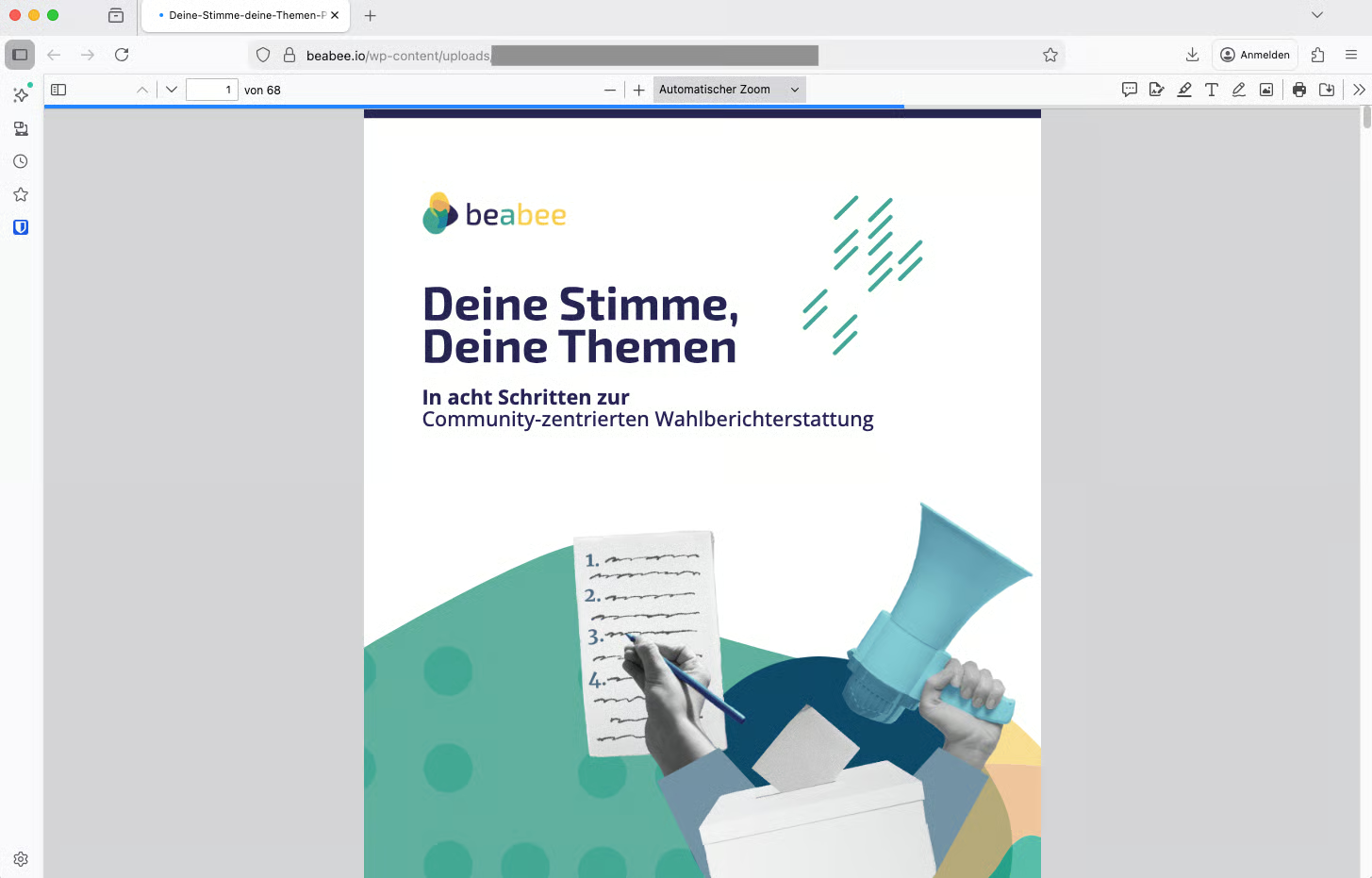
**CORRECTIV.StartHub successfully applied this principle of lead generation in the project “Deine Stimme, deine Themen" (Your Voice, Your Issues).** Six editorial teams tailored their election coverage specifically to the topics that mattered to citizens. Based on the experiences of these editorial teams, a playbook was created to provide other newsrooms and initiatives with practical tips for community-centered election reporting. The playbook could be downloaded for free, but only after submitting contact details.
This article shows how this process can be implemented using beabee.
***
## 1. Draw attention to exclusive content
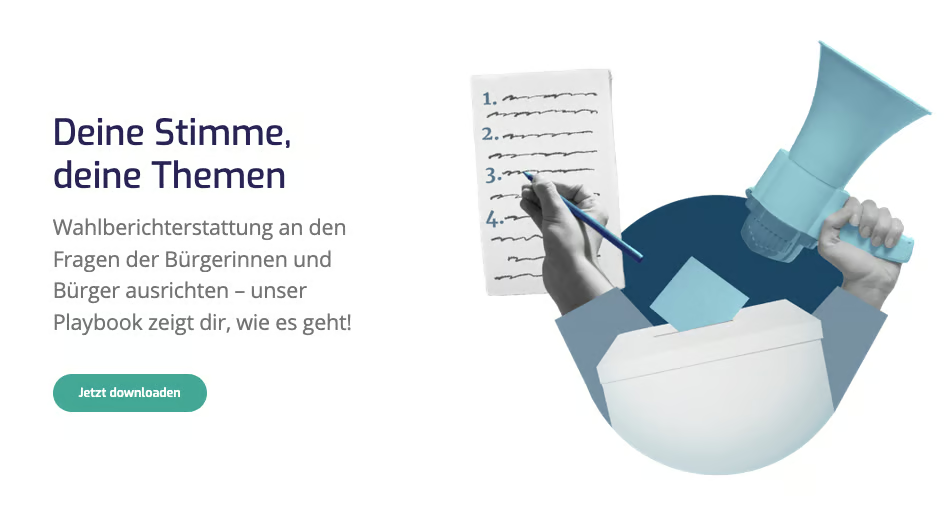
First, new contacts need to be made aware of the opportunity to download the exclusive content. This can be done through a note in your newsletter, on social media, or on your website. In the case of “Deine Stimme, deine Themen”, a project landingpage with a notice about the playbook was created and promoted at events, in the newsletter, and on social media.
More information:
***
## 2. Create a contact form
In the second step, there needs to be a way for people to leave their contact information. For “Deine Stimme, deine Themen”, the CrowdNewsroom was used for this purpose. You can learn how to create a CrowdNewsroom [here](/help-center-english/engagement/crowdnewsroom/how-to-create-a-crowdnewsroom.md).
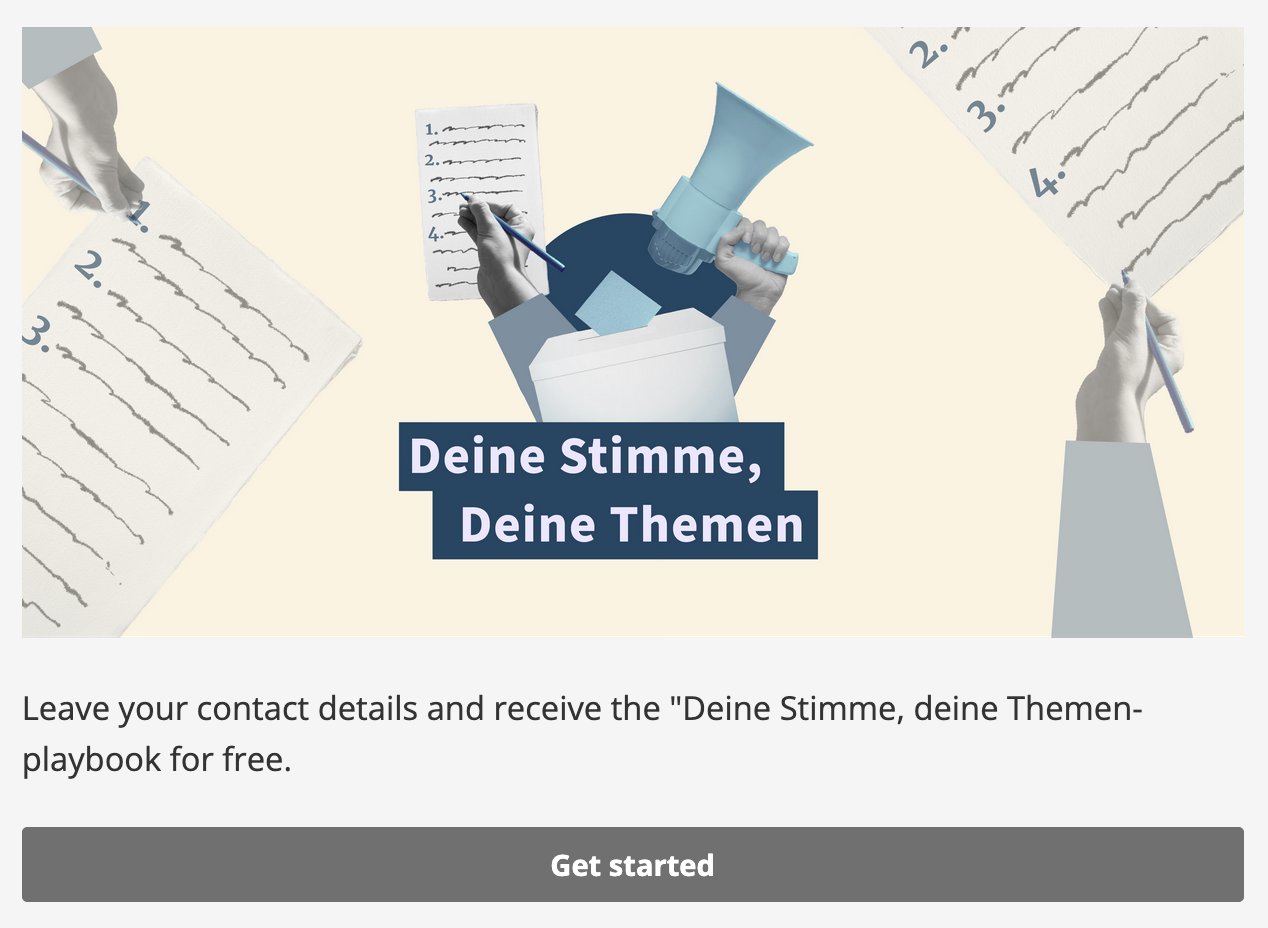
When interested users click the “Download Now” button on the landing page, the CrowdNewsroom opens with an image and a short description.
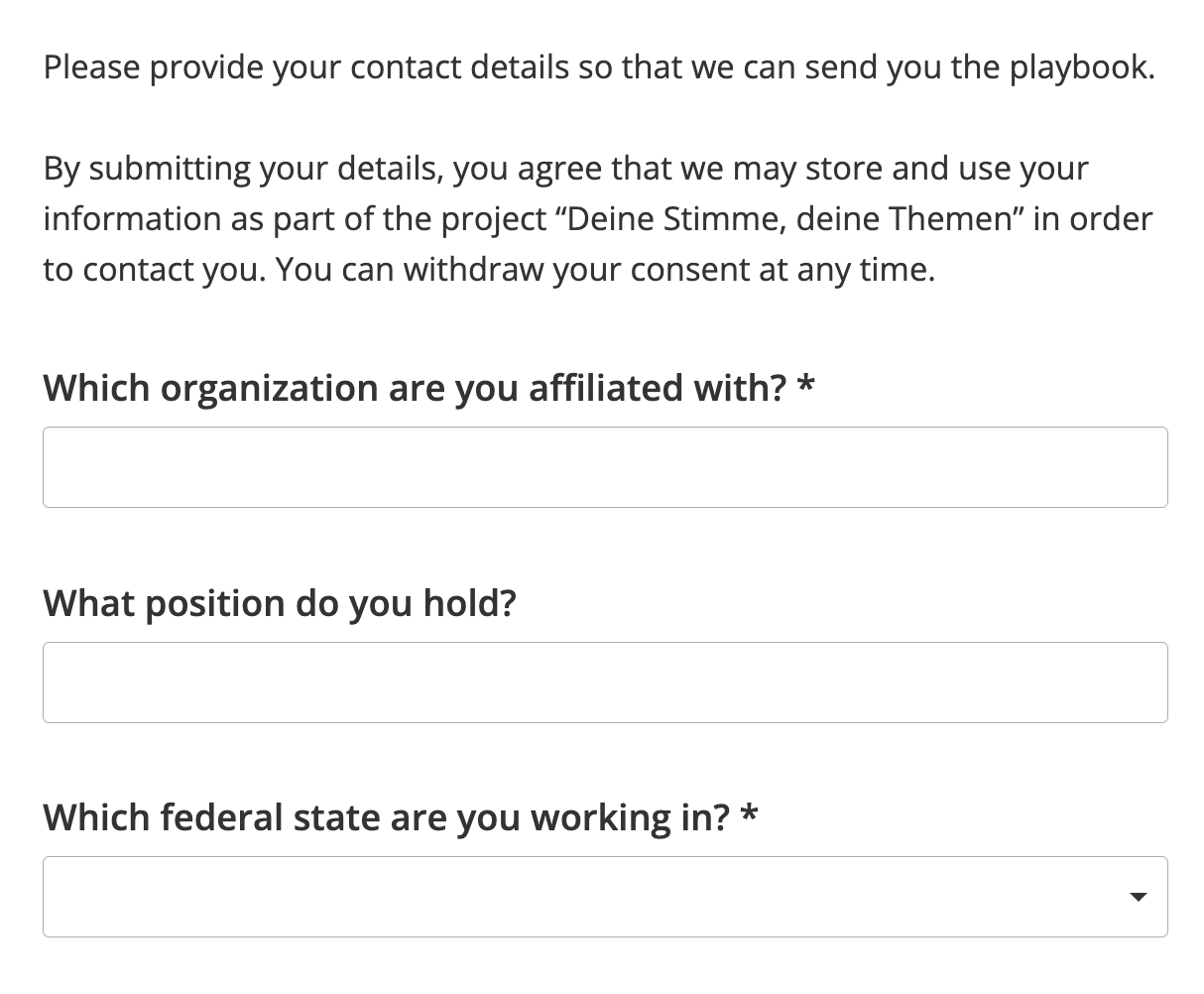
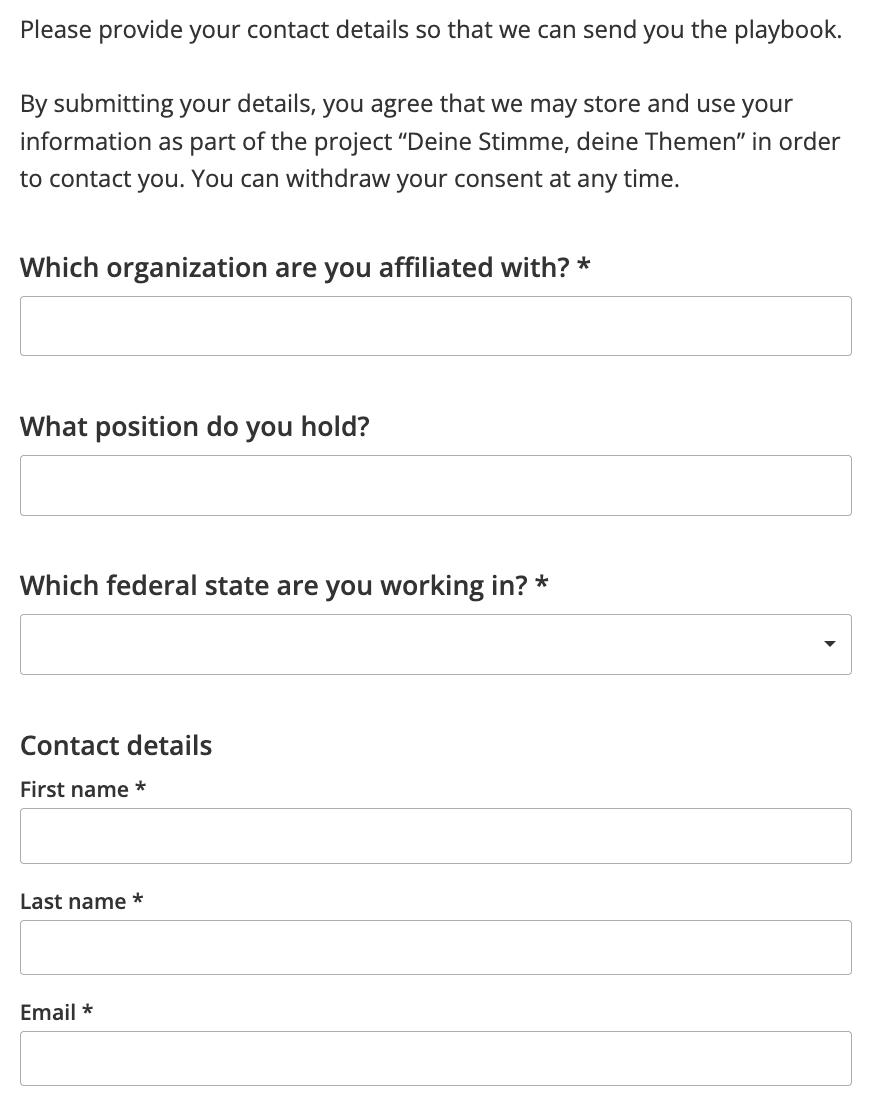
When interested users then click “Get started,” the contact form opens. The content of the CrowdNewsroom was filled with all the information relevant to CORRECTIV.StartHub. It is important to only request information that will actually be used later. Additionally, a [content field ](/help-center-english/engagement/crowdnewsroom/how-to-create-a-crowdnewsroom/crowdnewsroom-content/these-question-types-exist.md)was added to include a note about data protection.
{% hint style="warning" %}
**Important:** To ensure that contacts are saved in the beabee database, contact information do **not** need to be collected through separate CrowdNewsroom elements. Simply enable **“Request contact information from guests”** in the **response settings**, and fields for first name, last name, and email address will automatically be added to the CrowdNewsroom.
A detailed guide can be found [here](/help-center-english/engagement/crowdnewsroom/how-to-create-a-crowdnewsroom/response-settings/how-to-register-guests-in-your-contacts-list.md).
{% endhint %}
CORRECTIV.StartHub also assumed that people interested in the playbook might also be interested in the **StartHub newsletter**. Therefore, a **newsletter sign-up was added** to the contact form. By checking the box, users can subscribe to the newsletter and stay informed about future offerings from the StartHub.
You can learn how to add a newsletter sign-up in the CrowdNewsroom [here](/help-center-english/engagement/crowdnewsroom/how-to-create-a-crowdnewsroom/newsletter-sign-ups-in-your-crowdnewsroom.md).
***
## 3. Send the download link
In the final step, the exclusive content is made available to users who have previously submitted their contact information. In the “Deine Stimme, deine Themen” project, the playbook was uploaded to **WordPress**, allowing the file to be opened in a browser and saved locally.
In addition to WordPress, other solutions can also be used to provide the content, such as Google Drive.
To share the download link after contact information has been submitted, beabee offers two options. One option is to **include the link in the end message of a CrowdNewsroom**. This way, users can open the link directly in their browser immediately afterward.
However, the link is only visible right after completing the CrowdNewsroom. For later use, the link or the playbook must be saved locally.
You can learn how to customize the end message [here](/help-center-english/engagement/crowdnewsroom/how-to-create-a-crowdnewsroom/end-message.md).
As a second option, an **automated email** can be sent to all participants of the CrowdNewsroom. The advantage of this method is that only people who have provided a valid email address receive the download link. Additionally, the link remains permanently accessible in their inbox and can be used at a later time.
You can learn how to set up an automated email [here](/help-center-english/engagement/crowdnewsroom/how-to-create-a-crowdnewsroom/how-to-set-up-automated-emails-for-crowdnewsroom-participants.md).
In the example, both options were used. Participants could view the download link in the end message and also received the link via email.
***
## 4. Maintain and follow up on your contact database
All contacts who downloaded the “Deine Stimme, deine Themen” playbook are now stored in the beabee contact database of CORRECTIV.StartHub. To track later through which funnel a contact joined the community, **StartHub** [**tagged**](/help-center-english/community-database/tags/how-to-add-tags-to-contacts.md) **all individuals who downloaded the playbook accordingly**.
It is also important to **re-engage these contacts later** and involve them in the community. For this reason, StartHub contacts all playbook users whenever an election is upcoming in their federal state, providing a concrete opportunity for them to implement community-centered election reporting themselves.
To ensure that newly acquired contacts can be reached later for relevant or similar projects, it is crucial to request the appropriate consent in the contact form.